Tap "..." in the top right and select "Open in Safari" or "Open in Chrome". (AR EXPERIENCE の読み込みが遅い場合は、右上の「…」から「Safari/Chromeで開く」を選択してください)
LATTIS AR
Experience the artwork in Augmented Reality (AR)
アートワークをAR(拡張現実)で体験するページです
to experience AR.
Open this page on PC or Tablet
PC・タブレットでこのページを開く
Open this page on your PC or tablet screen first.
まずは、このページをPCやタブレットの画面で開きます。
Launch AR Experience on your phone
スマホでARを起動
Tap "Open AR Experience" on your phone.
スマホで「AR体験を開く」ボタンをタップします。
Grant Camera Access
携帯カメラのアクセス許可
Tap "Allow" when prompted to grant camera usage.
画面に表示されたら「許可(Allow)」を選択します。
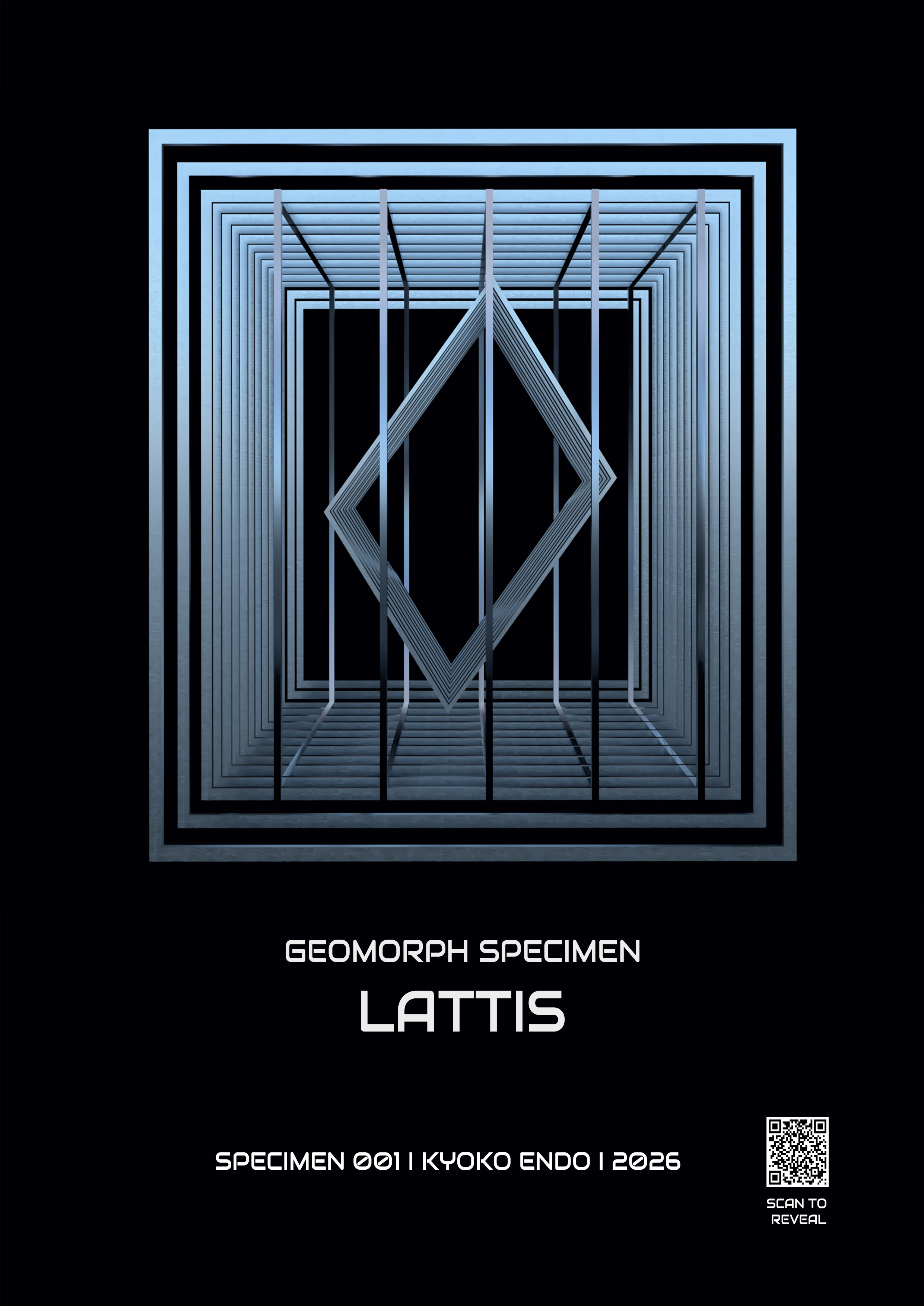
Scan Image Below
下の画像に携帯をかざす
Aim your phone camera at the LATTIS image on your PC screen.
PC画面上の「LATTIS」画像にスマホカメラをかざします。

Point your phone camera at this image on your PC screen.
(PC画面上のこの画像にスマホカメラをかざしてください)
• If stuck on the white screen with a loading circle:
(This is a common WebAR behavior on subsequent loads.) Swipe up to completely close your browser app, then reopen the page to reset the camera and 3D memory.
• 白い画面でローディング(円)が回ったまま進まない場合:
(WebARの仕様上、2回目以降に発生しやすい現象です)ブラウザアプリを上にスワイプして一度完全に終了(タスクキル)し、再度ページを開いてお試しください。